You’re in the middle of a crucial online match, perfectly lined up for a shot, when suddenly your character teleports across the map, or your attack registers a full second late. The enemy, of course, lands their hit, and you’re left wondering what just happened. If this sounds familiar, you’ve likely experienced the frustrating impact of high ping and latency, the silent killers of online gaming performance. It’s a problem I’ve seen countless times, not just in my own gaming, but when helping friends troubleshoot their network issues.
For many, ‘ping’ is just a number in the corner of the screen, and ‘latency’ is a vague concept that means ‘lag.’ But understanding what these terms truly mean, how they interact, and, critically, what you can actually do about them, can transform your online experience. It’s not just about having a fast internet connection; it’s about having a responsive one. In my experience, the biggest mistake most gamers make is blindly upgrading their internet speed without addressing the underlying causes of high latency.
Key Takeaways
- Ping and latency measure the time it takes for data to travel between your device and the game server, directly impacting responsiveness.
- A stable, low-latency connection is more critical for online gaming than raw download speed.
- Understanding network hops and distance to game servers reveals why a faster ISP doesn’t always guarantee better ping.
- Wired Ethernet connections consistently provide superior latency and stability over Wi-Fi for gaming.
Ping and Latency Explained: The Real-Time Factor
Let’s get straight to what ping and latency actually measure, because it’s often misunderstood. Ping is essentially a utility program used to test the reachability of a host on an Internet Protocol (IP) network. In simpler terms, in gaming, ping refers to the time it takes for a small packet of data to travel from your computer to a game server and then back to your computer. This round-trip time is measured in milliseconds (ms). When you see a ping of 50ms, it means it took 50 milliseconds for your data packet to make that journey.
Latency is the more general term for any delay in a network. In the context of gaming, latency and ping are often used interchangeably because ping is the primary way we measure that delay. High latency means a noticeable delay between your actions (like clicking a mouse or pressing a button) and when those actions register in the game, or between an event happening on the server and you seeing it on your screen. A ping of 20ms means near-instantaneous feedback, while a ping of 200ms means a fifth of a second delay – a lifetime in a fast-paced shooter. The mistake I see most often is people focusing solely on their internet’s advertised download speed. You could have a 1 Gigabit connection, but if your latency to the game server is 150ms, your gameplay will still suffer, regardless of how quickly you can download large files. What changed everything for me was realizing that for gaming, responsiveness beats raw bandwidth every time.
The Unseen Impact of Distance and Network Hops
Many assume a fast local internet connection means good ping, but the reality is more complex. Your data doesn’t just zoom directly from your router to the game server. It travels through a series of intermediate network devices, called hops, each adding a tiny bit of latency. These hops could be your ISP’s equipment, regional data centers, or other internet backbone infrastructure. The further the game server is geographically from you, the more hops your data will generally have to make, and thus, the higher your latency will be.
Think of it like this: your 500Mbps fiber connection is a super-fast car. But if you’re trying to get from New York to California, and you have to stop at 20 different checkpoints along the way, even the fastest car will take a while. Each checkpoint is a ‘hop,’ and the distance is the physical path the data takes. This is why a gamer in London playing on a server in New York will almost always have higher ping than a gamer in Boston on the same New York server, even if both have identical internet plans. In my experience, many players blame their ISP directly, when often the issue is simply the physical distance to the optimal game server, something an ISP upgrade can’t magically fix. You can sometimes see these hops using a traceroute command on your computer, which shows the path your data takes and the latency at each step.
Wired vs. Wireless: Why Ethernet Dominates for Low Latency
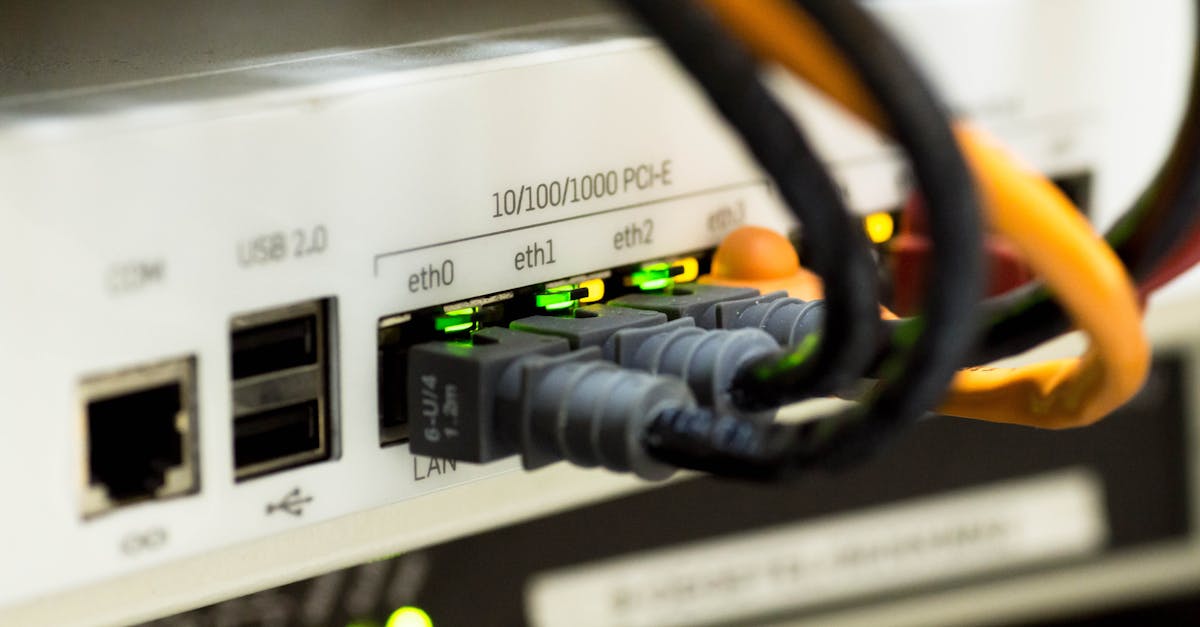
This is a fundamental truth that many ignore: a wired Ethernet connection will almost always provide lower, more stable latency than Wi-Fi. While modern Wi-Fi standards (like Wi-Fi 6 and 6E) have certainly improved in terms of speed and capacity, they fundamentally operate on radio waves, which are susceptible to interference. This interference can come from other Wi-Fi networks, Bluetooth devices, microwaves, cordless phones, and even physical obstructions like walls.
Every bit of interference or retransmission on Wi-Fi adds tiny, inconsistent delays, leading to what gamers call ‘jitter’ – sudden, unpredictable spikes in ping. An Ethernet cable, on the other hand, provides a direct, dedicated physical connection. There’s no radio interference, no retransmissions due to signal drops, just a consistent flow of data. I’ve personally seen gamers complain about inconsistent lag, only to connect them with a basic Ethernet cable, and their issues disappear almost entirely. Investing even $10 in a decent Ethernet cable and running it to your gaming machine is, in my opinion, the single most impactful and cost-effective step you can take to improve your online gaming experience.
Optimizing Your Home Network for Better Ping
Beyond simply plugging in an Ethernet cable, there are specific steps you can take to further reduce latency within your own home network. Firstly, ensure your router firmware is up to date. Manufacturers often release updates that improve network performance and stability. Secondly, consider Quality of Service (QoS) settings on your router. Many modern gaming routers have QoS features that allow you to prioritize gaming traffic over other network activities, like streaming video or large downloads. This means if someone else in your household starts downloading a huge file, your game’s data packets still get preferential treatment.
Another crucial, yet often overlooked, optimization is to reduce the number of devices actively using your network during gaming sessions. Every device streaming, downloading, or even just syncing data adds to the network load, potentially increasing congestion and latency. In my experience, a dedicated gaming session should involve shutting down unnecessary applications on your PC and, if possible, pausing downloads or streams on other devices in the house. While you can’t control the entire internet, you absolutely can control your local network environment.
Troubleshooting Server-Side Latency and Regional Play
Sometimes, the high ping isn’t your fault at all; it’s the game server. Game servers can be overloaded, poorly optimized, or simply too far away for a good connection. This is where understanding server regions becomes vital. Most online games allow you to select a server region (e.g., US East, EU West, Asia). Always choose the server region closest to your physical location. Playing on a server across the globe, even with a perfect home network, will inevitably lead to high latency due to the sheer physical distance and numerous network hops.
In my experience, many players mistakenly join servers where friends are playing, without considering the geographical impact. If your friends are across the country or on another continent, you’ll have to accept higher ping if you want to play with them. A quick check of a game’s server browser for ping times before joining can save you a lot of frustration. If all local servers for a game consistently show high ping, it might indicate an issue with that game’s server infrastructure or a larger routing problem with your ISP, which might warrant a call to your provider with specific traceroute results in hand.
Frequently Asked Questions
What is a good ping for gaming?
Generally, a ping below 20ms is considered excellent, offering a very smooth and responsive experience. Pings between 20-50ms are good, with minimal noticeable delay for most players. Pings between 50-100ms are acceptable for casual gaming but can be a disadvantage in competitive titles. Anything consistently above 100ms will result in noticeable lag and significantly impact gameplay.
Can my internet speed reduce ping?
While a faster internet speed (bandwidth) allows more data to be downloaded or uploaded quickly, it does not directly reduce ping. Ping is about the time data takes to travel, not the amount of data. However, having sufficient bandwidth ensures that your connection isn’t saturated by other network traffic, which can indirectly prevent ping spikes. If your internet is extremely slow, it might struggle to send game data efficiently, leading to higher ping, but upgrading from, say, 100 Mbps to 500 Mbps won’t magically halve your ping if the server is far away.
What is ‘packet loss’ and how does it relate to ping?
Packet loss occurs when data packets sent over the network fail to reach their destination. While ping measures delay, packet loss means the data simply isn’t arriving at all, or is arriving incomplete, requiring retransmission. High packet loss will manifest as severe lag, stuttering, and disconnections, often making games unplayable. It’s a more severe issue than high ping alone, indicating a significant problem in your network path (local or ISP-related).
Does a VPN help with ping in gaming?
Generally, no. A VPN (Virtual Private Network) routes your internet traffic through an additional server, which almost always adds latency. While a VPN can sometimes help bypass ISP throttling or poor routing to a specific game server, it’s a rare solution for improving ping. In most cases, using a VPN for gaming will increase your ping due to the extra hop and encryption overhead.
How can I check my current ping to a game server?
Many online games display your ping in-game, often in the scoreboard or network statistics overlay. For a more general test, you can use online speed test websites that also report ping to their test servers. To specifically test ping to a particular game server’s IP address (if you can find it), you can open your computer’s command prompt (Windows) or Terminal (macOS/Linux) and type ping [server IP address] and press Enter. This will show you the round-trip time in milliseconds.
So, the next time your online game starts to feel sluggish, remember that it’s likely a battle with ping and latency. Understanding these concepts and applying the practical steps outlined here will equip you to troubleshoot effectively and, more importantly, enjoy a much smoother, more responsive online gaming experience.